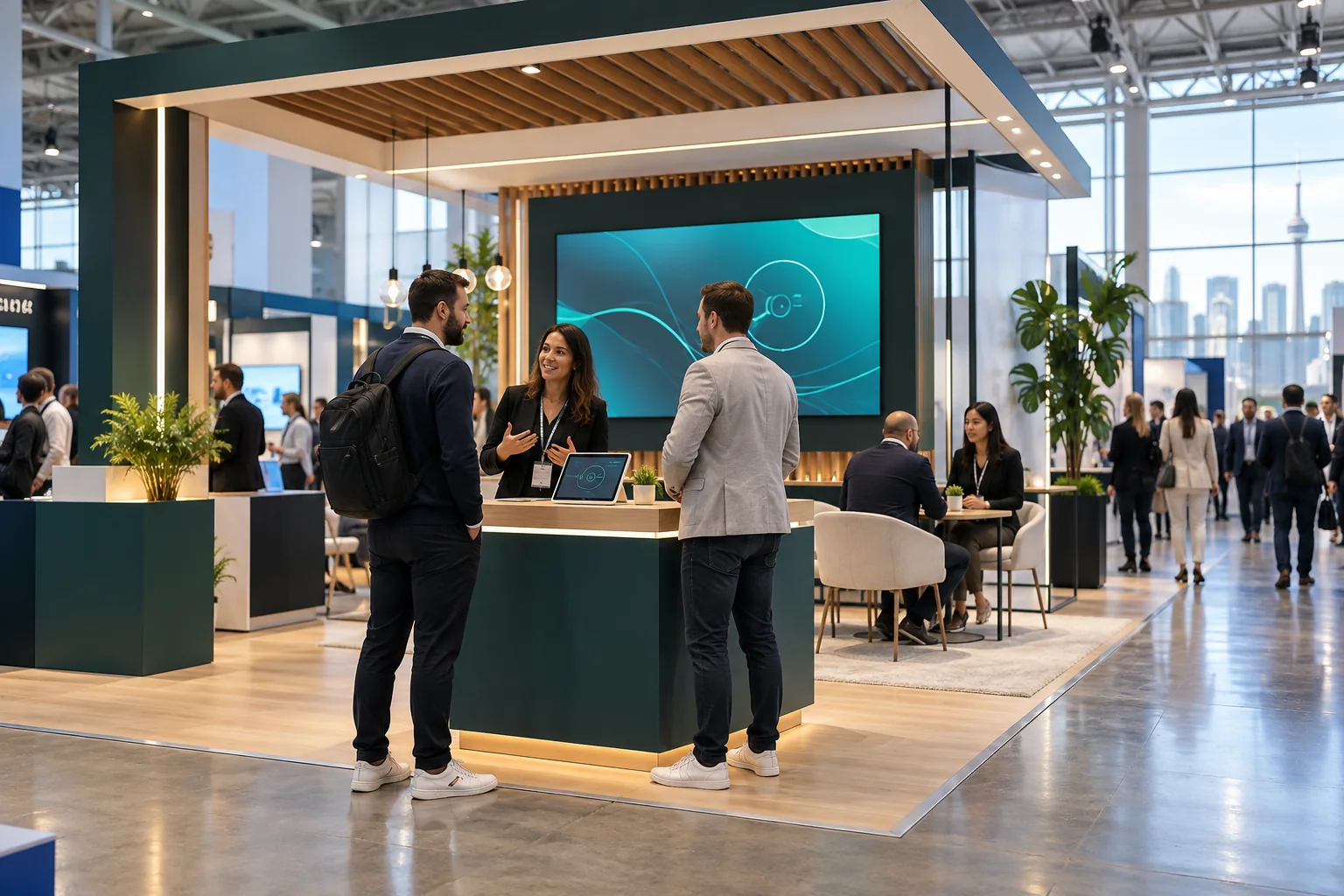
At a gaming expo, a supplier may have only a few square metres to explain a product, run a demo and hold a useful conversation. Those competing needs shape the booth plan, visitor route and equipment list from the outset.
Start with the event and the people you need to meet
SBC Summit Canada and G2E call for different stand conversations. The Toronto event's organiser describes an audience that includes operators, Crown corporations, regulators, First Nations-run businesses, affiliates and suppliers such as studios and payment providers. G2E describes a wider international group across regulated gaming, hospitality and business technology. Product demos, meeting space and staff roles should be specified against the chosen event's audience.
| Exhibitor situation | Primary visitor task | Space to protect |
|---|---|---|
| Platform or payments supplier | Understand a workflow and ask integration questions | Screen demo, short briefing point and a private meeting option |
| Gaming equipment maker | Inspect a cabinet or compare a product family | Operating clearance, queue space and service access |
| Canadian market entrant | Discuss local partnerships and market requirements | Staffed conversation space and current, approved materials |
| Established international brand | Reconnect with buyers and show a new release | Meeting schedule, product demonstration and storage |
Map visitor flow before designing the focal point
Trace a visitor from the aisle to a pause, a first conversation, a product area and an exit. Draw the booth boundary and neighbouring aisles, then mark where people can stop without blocking traffic. Give staff a clear place to greet them and move scheduled meetings away from the busiest edge.
Give the perimeter a readable first message
At a gaming expo, elaborate light and motion compete with the neighbouring stands. Make the company and product category clear from the aisle with a concise headline, recognisable product image or short silent demo. Put specifications and partner logos farther inside, where visitors can choose to read them.
Demonstrations and exhibition aisle queues
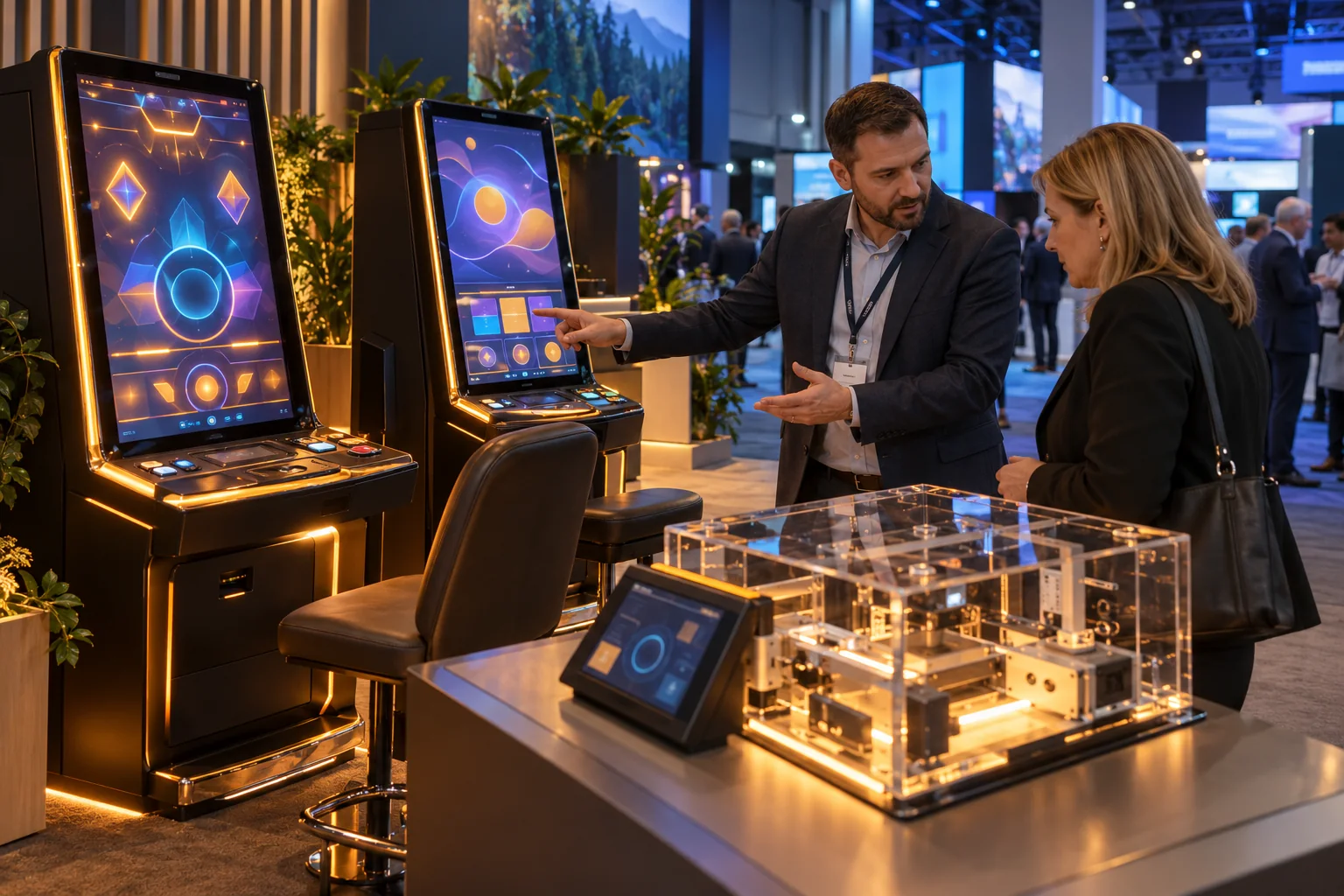
A screen attracts both the person operating it and people watching. Draw both positions. For a cabinet, include a seated or standing player, demonstrator, observers and a path around the unit. If several products run at once, check whether their waiting groups collide; furniture dimensions alone do not show crowding.
Separate a sales conversation from the product trial
A quick demo and a commercial discussion need different conditions. A high table can suit a short exchange; a scheduled integration or partnership meeting may need chairs, quieter acoustics and room for sample kits. Use orientation or a partial screen to distinguish that nook while keeping the stand visible.
Design the demo around its equipment and network
A browser platform may need monitors, a stable connection, a test account and a reset routine. A gaming cabinet needs approved power, a viewing position and room for installation and service. A table-game product, payment system or security tool brings its own hardware and data needs. Confirm the equipment list before a fabricator sets screen openings or builds counters.
Put power, data and support access on the same drawing
At Toronto's Metro Toronto Convention Centre, the 2026/27 exhibitor package identifies venue internet services and SHOWTECH as the exclusive supplier for power, feature lighting and related services. It links exhibitors to current fire, rigging and electrical requirements. Put equipment positions, cable routes, outlets, screens and access panels on one coordinated plan.
Plan for a failed live demo. Keep a suitable local presentation or recorded path, label its version and give staff a reset procedure. Add backup devices only when someone owns them and the content and connection have been tested.
Details to confirm with the product and technical teams
- equipment dimensions, weight and operating position
- power load and equipment certification or show permission
- wired or wireless network needs and any account access
- screen size, height, glare and viewing angle
- ventilation, heat output, cable route and service clearance
- demo reset, backup content and the staff member responsible
Use a show build, test account and sample data approved by the company and organiser. Keep the demonstration separate from any claim about a visitor's eligibility for real-money play; that depends on their market.
Check venue requirements before the design is locked
Venue rules shape the build and paperwork. The Metro Toronto Convention Centre's 2026/27 package requires fire-safety replies at least one month before an event and links to current fire, rigging, electrical, contractor and move-in guidance. Check the event organiser's manual for additional deadlines.
Protect exits, aisles and access to equipment
The MTCC's published 2024/25 fire regulations applied to conventions and trade shows, whether public or trade-only, and addressed booth configuration, materials, electrical equipment and clear entrances, exits, aisles and passageways. The current 2026/27 exhibitor package links to the latest specifications; confirm those documents before applying a past rule to a new event.
MTCC says its levels are accessible under Ontario's AODA and provides floor plans. Check the booth too: keep the demo route clear, consider seated sightlines and make product information reachable without relying on a raised platform.
Prepare Quebec-facing display copy separately
Quebec has separate language rules for public display and commercial advertising. The Office québécois de la langue française says these must be in French; other languages may appear when French has clear prominence. Certain business names and recognised marks visible from outside a premises also require French descriptive wording and prominence. The exact treatment depends on the display, so review signs, screens, slogans and branding against current OQLF guidance before production.
Choose structures that can travel and be repaired
For suppliers attending several shows, reuse depends on components that can be packed, identified, replaced and reconfigured: frame sections, counters, monitor mounts, lighting and storage. Graphic panels and screen content can change while the technical backbone stays familiar.
Modular construction is not automatically cheaper or lower-waste. Shipping, labour, storage, repairs and actual reuse all affect the result. Ask for a component schedule and next-show plan; a wall that fits only one footprint may not be reusable in practice.
Treat the storage room as part of the stand
Coats, samples, shipping cases and staff bags need a home. Size storage for the roster and daily replenishment, place its door away from presentations and specify what must be cleared each evening.
Make lighting and screens do distinct jobs
Use the brightest element to point to one product feature. Check graphics under hall lighting and screen glare; neighbouring displays and daylight can change contrast. A silent loop with subtitles is easier to follow than audio lost in show-floor noise.
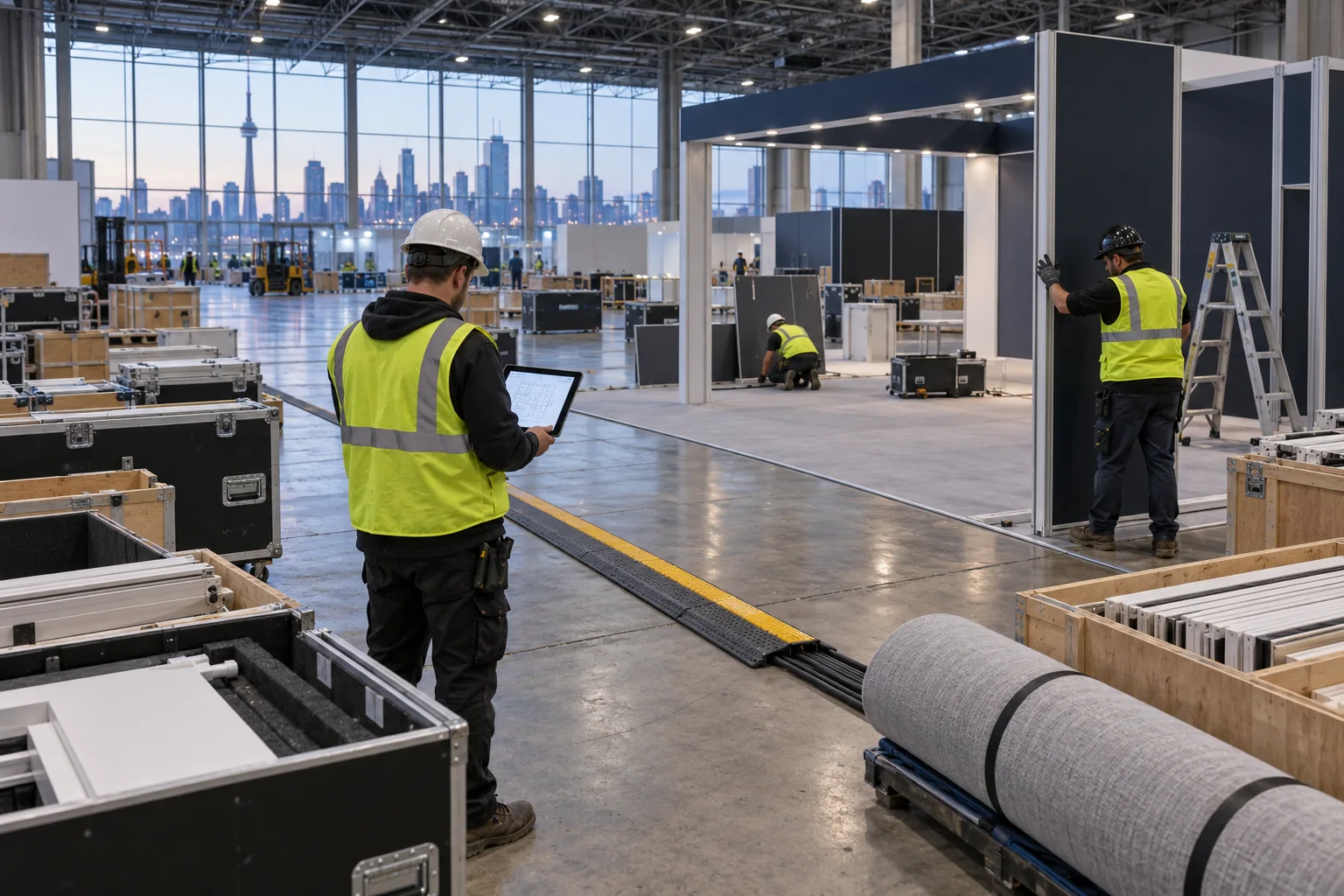
Turn drawings into a build and show-day plan
The handoff package should connect the concept to installation: dimensioned plan and elevations, finishes, power and internet orders, rigging details, equipment and monitor positions, artwork, storage and approval contacts. Name the person who can resolve conflicts on site.
Review the stand at full scale before release
Walk a printed plan or taped mock-up with someone outside the design team. Rehearse a demo using the real equipment. Check aisle approach, glare, seated view, queue, chair movement, access route, cable reach and storage doors. A perspective render can hide these collisions.
A pre-production review sequence
- confirm the event audience, booth location and approved footprint
- assign each zone a visitor task and a staff owner
- place real equipment and draw visitor, staff and service clearances
- coordinate power, internet, screen content and venue orders
- review fire, rigging, electrical, accessibility and language requirements
- check artwork, lighting, storage, packing and move-in responsibilities
- record open decisions and the date each approval is due
A stand drawing becomes useful only after the furniture, screens and demo equipment are in place. Walk the visitor route, run the demo on the show network and confirm display language before doors open. Staff need the reset instructions and escalation contact; visitor questions and equipment failures from the event can inform the next build brief.