A desktop casino game rarely fits a phone without trade-offs. System bars reduce the usable area, fingers cover part of the screen, and game instructions compete with controls. Apple's game-interface guidance and WCAG 2.2 use different units and criteria, so apply each in its own context.
Design for the phone's usable area
A spin button placed near a phone's bottom edge can compete with system navigation; a value near the top may disappear behind a camera cutout. The game field, controls, labels and account information have to fit the usable screen, not merely the device's full pixel dimensions. Reducing a desktop layout to the same proportions makes these conflicts harder to see.
Start by deciding which information must remain visible during a round. Game title, wager, result, rules access and active controls each need a place. If the game has a wide table, wheel or live video feed, the design team must decide whether the view should reflow, use landscape orientation or allow the game surface itself to remain two-dimensional. The surrounding navigation and account interface still need a usable path on a small screen.
| Format | Information that can become hard to read | Design review |
|---|---|---|
| Slot game | Symbols, paylines, wager and game controls | Check symbol clarity, text size and separation of controls from decoration |
| Table game | Cards, betting areas, rules and action buttons | Test the whole play area without making required actions too small |
| Live dealer | Video, table view, wager controls and game information | Check whether controls cover the dealer or important table action |
| Wheel or show format | Wheel sectors, result indicators and bonus information | Keep the active game element and result legible in the selected orientation |
Keep the game state visible when the layout changes
If a game changes from portrait to landscape, the current round should remain understandable. Reflow a web interface where possible, preserve essential state through an orientation change and avoid moving a critical control underneath a finger or system bar. If the game requires a two-dimensional board, state that constraint and test the surrounding controls separately.
Put frequent actions within a deliberate touch path
Touch input replaces a mouse pointer with a finger that obscures part of the screen. Buttons need enough area, spacing and a visible pressed state so a person can tell which action was received. Place frequent game controls where they can be reached comfortably, but keep secondary settings away from a control that is used repeatedly. A decorative icon is not a substitute for a text or assistive label.
Apple's Human Interface Guidelines for games recommend touch controls of at least 44 by 44 points on iOS, with a smaller minimum for less important buttons, and advise designers to account for safe areas and thumb reach. WCAG 2.2 uses CSS pixels instead: its Level AA Target Size criterion sets a 24 by 24 CSS pixel minimum with listed exceptions, while the enhanced 44 by 44 CSS pixel criterion is Level AAA. Points and CSS pixels are different units, and these guidelines should not be treated as interchangeable measurements.
The useful design lesson is the same: game-critical controls should not be packed together merely to preserve the desktop layout. Use spacing to reduce adjacent taps, keep the active control visually distinct and provide a conventional control for an action that would otherwise rely only on dragging, shaking or a complex gesture.
Check each touch control
- visual size and distance from adjacent actions
- position relative to the thumb and system safe area
- pressed, disabled and selected states
- text or assistive label that describes its action
- keyboard or alternative input where the game is web-based
- whether a gesture has a direct button alternative
Separate frequent play actions from account settings
A prominent game action and an account action should not share a small cluster of controls. Keep settings, account access and player-protection tools in predictable, separately labelled areas. The control that starts a round should not be adjacent to an unrelated control that changes a financial or account setting.
Game information under overlays and cropping
Mobile layouts often place controls over the game surface to preserve screen area. An overlay can also conceal a card, wheel segment, dealer action or result. Before adopting it, identify the game elements that must remain visible and test the interface at actual phone sizes. An overlay should have a clear close or collapse action and must not hide the information needed to understand the current round.
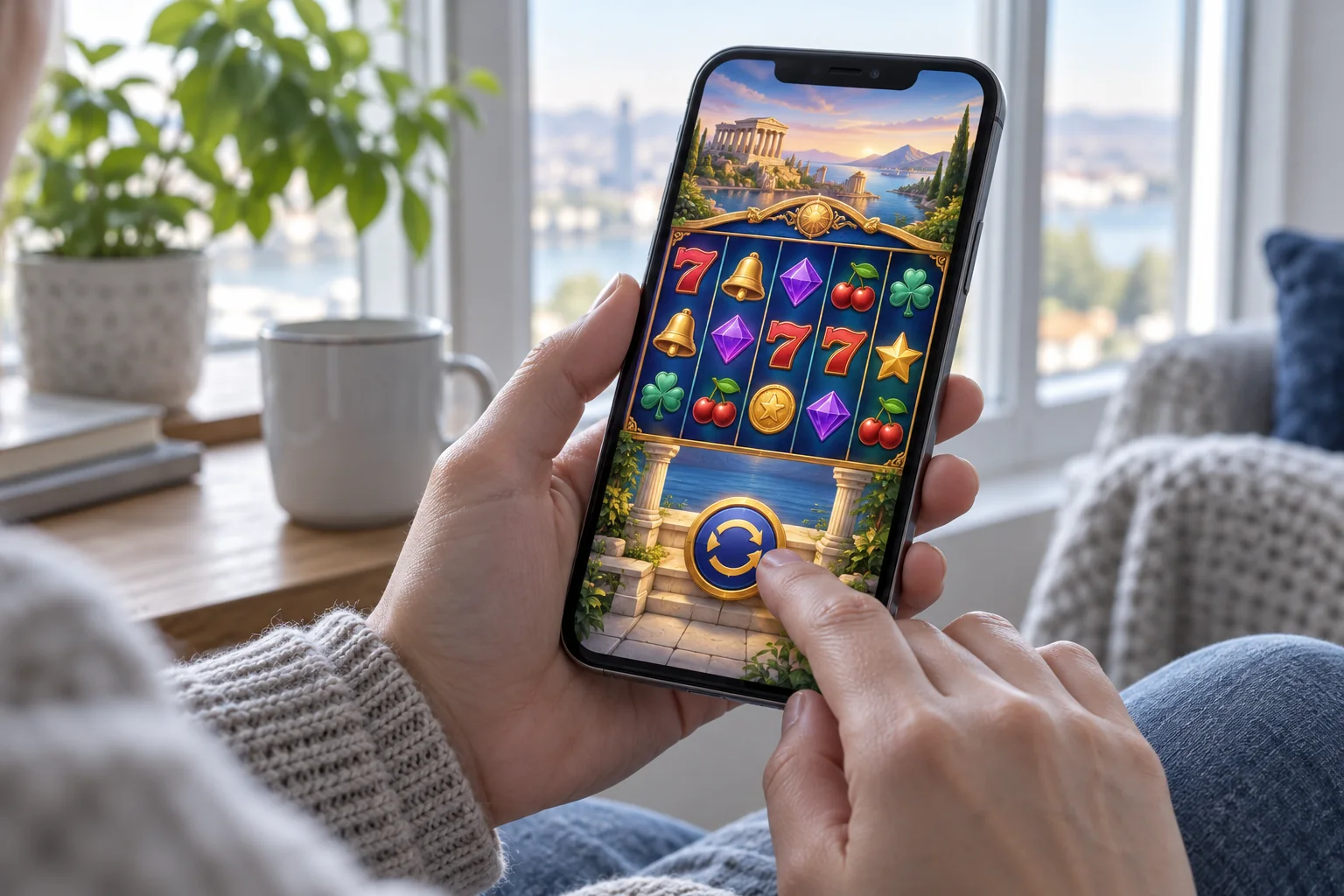
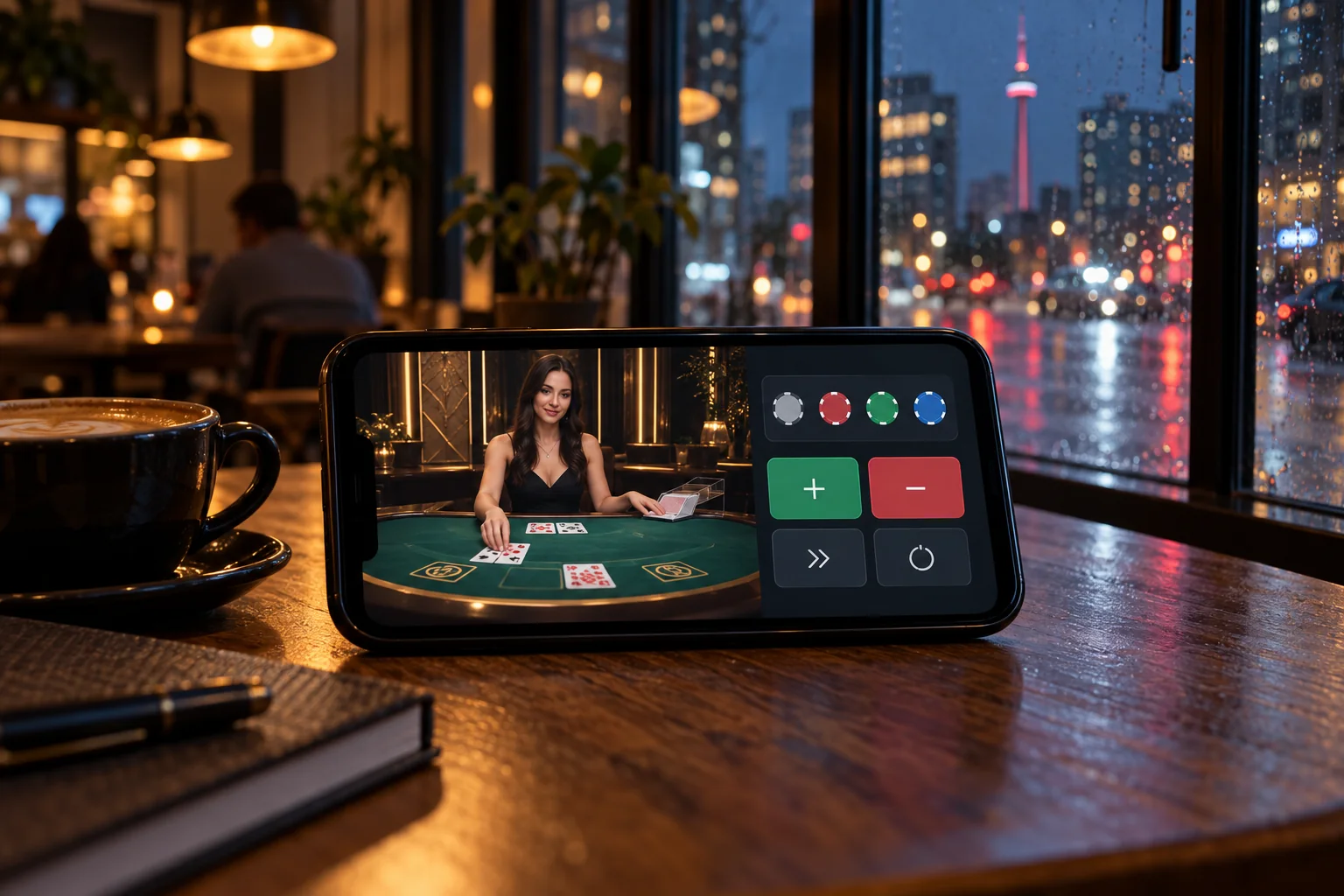
Slot games need clear symbols and a legible route to game rules and pay-table information. Table games need the card or betting area and the available actions to remain distinguishable. Live dealer games have a video frame as well as a digital betting interface; cropping the feed to make room for controls changes what can be seen. Each format therefore needs a specific mobile composition rather than a generic set of small buttons.
Text size, contrast and text resizing affect whether game instructions remain legible. WCAG 2.2 includes Reflow guidance for web content at a width equivalent to 320 CSS pixels, without loss of information or functionality and without two-dimensional scrolling except for content whose use or meaning requires it. The standard lists games among examples where a two-dimensional layout can be necessary; that does not exempt unrelated navigation, controls or account information from review.
Choose portrait and landscape behavior deliberately
Portrait orientation gives a game a tall, narrow surface; landscape gives it a wider frame but may make one-handed use harder. The choice should follow the game content. A slot with a tall reel view, a table with a broad betting layout and a live dealer feed may need different decisions. If a game supports both orientations, describe how its controls and information move between them and test the transition while a round is active.
Apple's game-design guidance calls for layouts that account for device features and safe areas. A control near the bottom edge must remain separate from the home indicator; a menu near a camera housing must not be obscured. The same device can change its available space when a keyboard, notification, browser toolbar or system sheet appears. Test those interruptions rather than treating the screenshot from a clean launch as the final layout.
The interface should state when the player must rotate the device and why. Avoid forcing an orientation change without a clear need. If portrait mode cannot support a particular table view, explain the requirement before the user enters the game and keep account and help routes available.
Make movement and animation optional where possible
A spin, deal or reveal can animate the game state, but the result also needs to be presented in text or another clear visual state. Do not make a required action depend on shaking the device when the same task can be performed with an on-screen control. Keep motion effects separate from information that communicates the result.
Canadian eligibility and accessible controls
A mobile casino interface should represent the market rules that apply to the account. In Ontario's iGaming Ontario market, people must be at least 19 and physically located in Ontario to play. That provincial eligibility condition affects a phone experience because the user may open the service while away from the location where play is allowed. The interface should explain an unavailable state and the next appropriate step rather than implying that every Canadian location has the same rules.
Accessibility checks should include larger text, screen-reader labels, non-colour status cues, visible keyboard focus for web-based play and controls with sufficient size and spacing. Apple recommends Dynamic Type for text enlargement in its platform guidance. WCAG 2.2 also addresses target size, reflow, labels and input assistance. A product should be tested with actual settings and assistive technologies rather than relying on a default-size screenshot.
| Reference | Measurement or condition | How to use it |
|---|---|---|
| Apple game interface guidance | 44 × 44 pt recommended iOS touch target for game controls | Apply to native iOS interface design and respect safe areas |
| WCAG 2.2 AA | 24 × 24 CSS px minimum target size, with exceptions | Review web controls and neighbouring targets |
| WCAG 2.2 AAA | 44 × 44 CSS px enhanced target size | A stronger target-size objective, separate from AA |
| WCAG 2.2 Reflow | 320 CSS px equivalent viewport width | Check web information and functionality without loss |
These values answer different questions and use different units. A compliance review should name the applicable platform, standard, level and exceptions instead of treating every minimum as one universal mobile-size rule.
Test the game on devices, not only in a simulator
A responsive preview cannot show every combination of device density, system inset, browser toolbar and touch behavior. Test representative iPhones and Android phones, portrait and landscape layouts, larger text, reduced motion, screen-reader output and intermittent network conditions. The goal is to observe the whole interaction and state, not to build a device census from assumptions about Canadian users.
A mobile game review sequence
- Open the game at the smallest supported viewport and confirm that the title and controls remain visible
- Complete one round using touch without relying on precision gestures
- Check the wager, rules and result at default and enlarged text sizes
- Rotate the device or open a system panel and confirm the game state
- Test the video or game surface with controls expanded and collapsed
- Check Ontario eligibility messaging from an unavailable location state
- Repeat with screen reader, keyboard where applicable and reduced-motion settings
Keep each observation with its device model, operating system, orientation and assistive settings; treat the result as device-specific. After a control or visual-effects change, repeat the affected touch and reading tasks on the devices named in the release record.