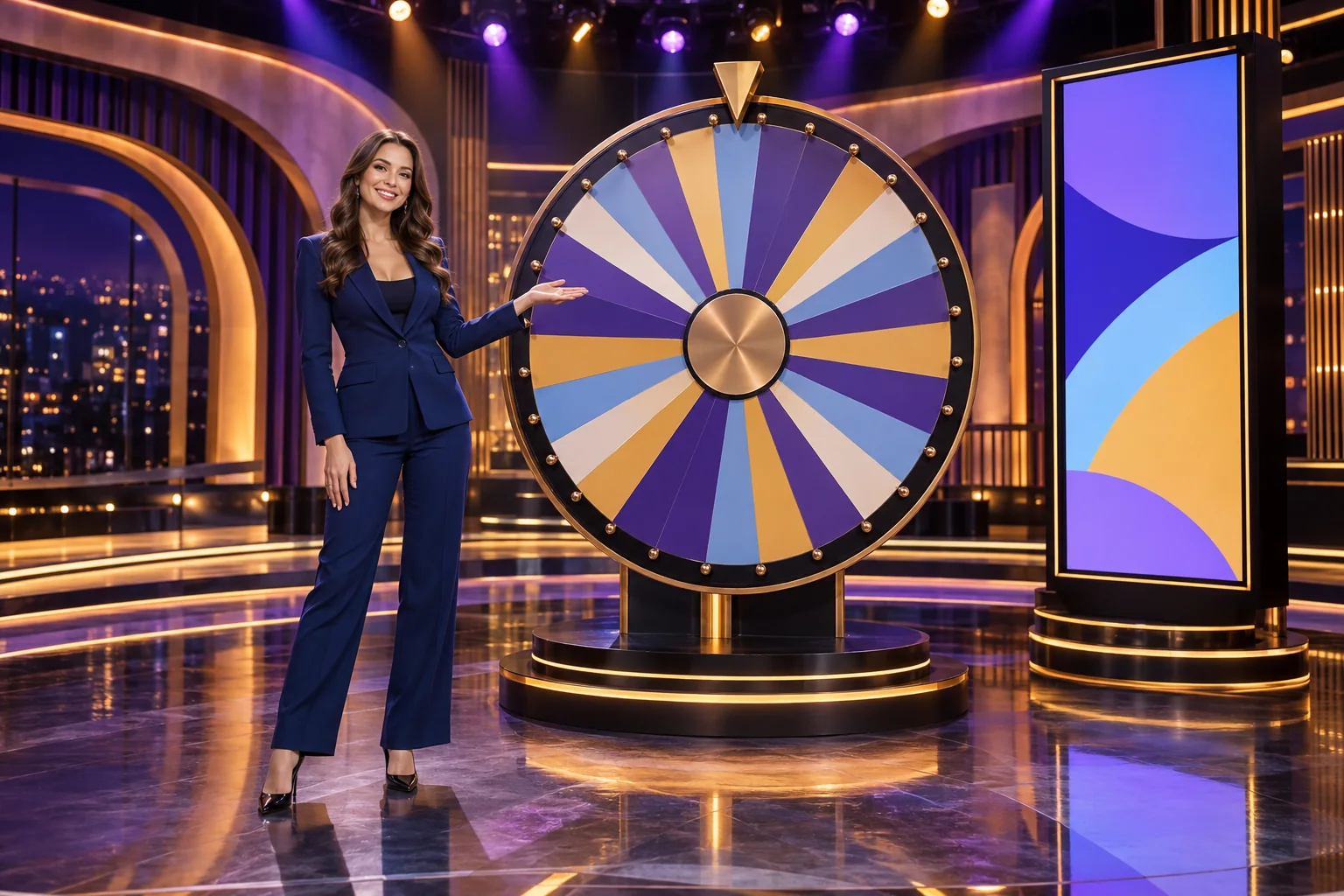
On a live game-show set, the wheel, presenter and bonus screen compete for the camera's attention at different moments in a round. The layout has to distinguish physical scenery from digital effects and leave the presenter a clear route. Canadian teams also track studio location separately from the approvals required for a game offered in Ontario.
Start with the round that the audience has to follow
During a live game-show round, attention can move from a presenter to a wheel, a bonus screen and the result. The set gives each action a position in the camera frame and a route for the presenter to reach it. A wheel, podium or bonus wall can be prominent at one stage and secondary at the next; its scenic treatment has to survive that change of focus.
Crazy Time offers a documented example. Evolution launched it in July 2020 as a live game-show product built around a spinning money wheel and four bonus games: Cash Hunt, Coin Flip, Pachinko and Crazy Time. Its product description identifies a large screen for Cash Hunt, a peg-filled wall for Pachinko and a virtual setting for the Crazy Time bonus. The example therefore combines a physical focal object with distinct supporting media; it does not imply that every game-show format uses the same scenic package.
Before drawing the set, map each phase to its active object, presenter action, camera view and required information. The main wheel, bonus selection and result may need separate framing. Agree on those scenes before fabricating large scenic elements.
Give every active object a clear visual role
A wheel can anchor the wide shot, a screen can carry a selection and a presenter can connect the moments. If two elements compete, decide whether they are active together or shown in separate cuts. Mark the focal point for each beat on the set drawing.
Separate the physical stage from the digital game layer
Game-show products mix scenery, displays and digital scenes. In Crazy Time, the money wheel is the central object, while bonus games include a large display and a virtual setting. Verify which elements are physical, screen-based or added in production.
| Element | Example in a wheel-based show | Design question |
|---|---|---|
| Physical centrepiece | Main money wheel | Can presenter, wheel and result indicator share a readable camera view? |
| Large display | Cash Hunt selection screen | Can the selected target and the presenter remain legible in the same shot? |
| Mechanical feature | Pachinko-style peg wall | Is there enough room for the object, presenter action and camera position? |
| Digital bonus scene | Virtual Crazy Time world | Where does the live set end and the composited or game-rendered view begin? |
| Player interface | Wager controls and game information | Does the stream leave the required interface content visible on common screens? |
The map clarifies what cameras must capture and what graphics supply. It also prevents a physical prop from being built for a digital effect, or a virtual transition from being planned without space for a presenter cue. Record the asset versions because a changed bonus can alter shots and screen content.
Design the transition, not only the hero view
Show where the presenter stands as the game moves from wheel to bonus, whether lighting changes and how the picture returns to the main stage. Draw the wide shot and close views. If a bonus fills the display, define how the presenter and round result return to frame.
Presenter movement and camera choreography
Place presenter marks, game objects, screens, doors and camera positions on one drawing, then trace a complete round. Check that a stance does not hide the wheel or screen and that each camera move can be completed in time.
List the planned shots: a set overview, presenter view, game-object close-up or bonus-screen view as required. This is a project-specific shot plan, not a universal camera count. Each frame should preserve the information needed for that beat.
For each camera view, record
- the game beat it covers
- the active prop or screen and the information it carries
- presenter position, movement and eye line
- other scenic elements that must remain visible
- lighting state and any display transition
- operator access, focus distance and cable path
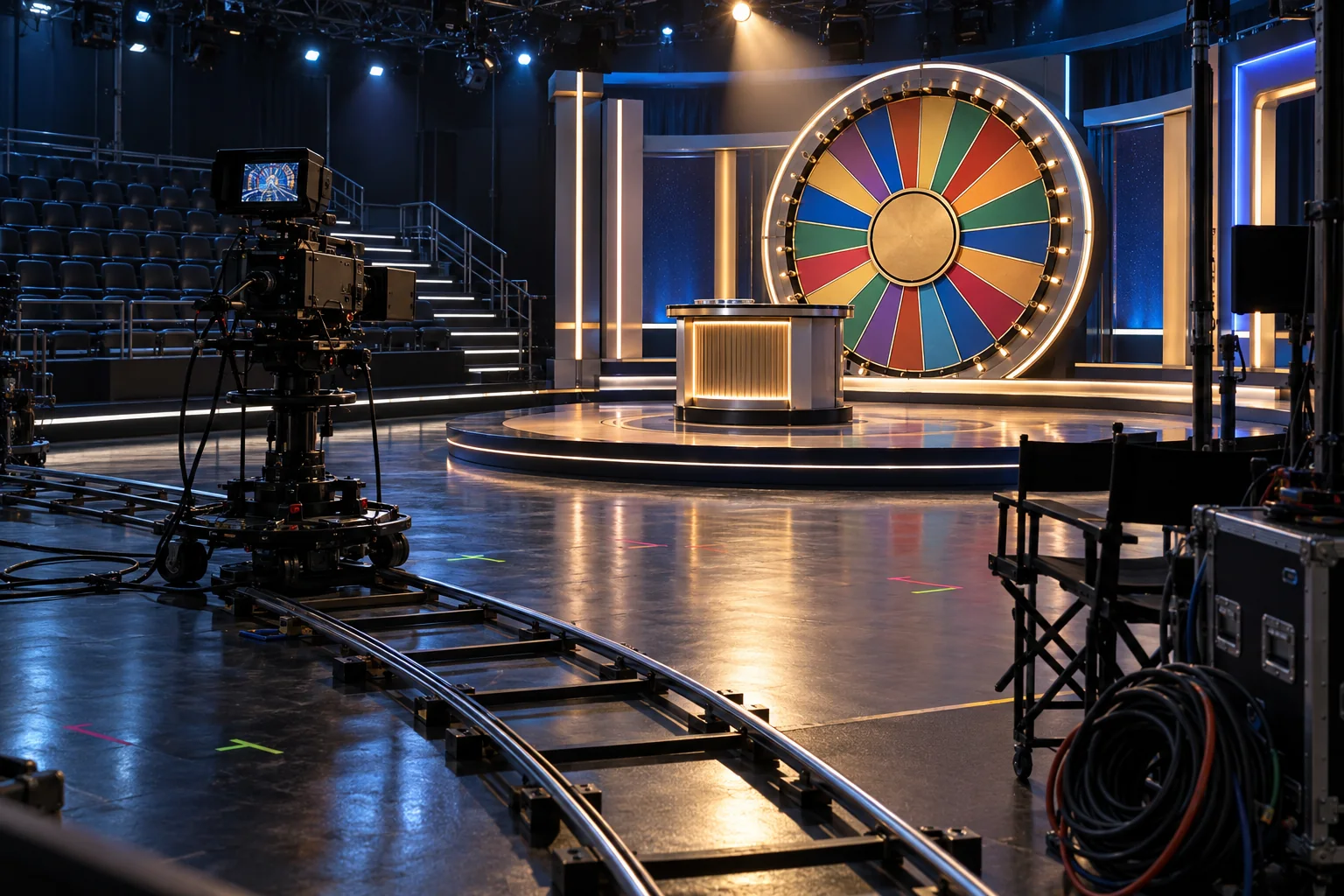
Rehearse at full scale with tape marks for the presenter, cameras, wheel and service path. Review the recorded image at performance pace to find movement conflicts before scenery and floor finishes are fixed.
Keep game information clear through set design
Colour, pattern and surface finish affect how a set records. Highly reflective finishes can return studio lights toward the lens; a busy backdrop can compete with small text or a moving wheel marker. Choose finishes against the intended camera and lighting setup. Review colours on a recorded feed because a material's appearance to someone standing on the floor does not guarantee the same contrast on a screen.
A show may use separate lighting states for instructions, the main prop and a bonus scene. Change them consistently while keeping the presenter and game visible. Colour or animation should not be the only way to identify an outcome; labels and values still need readable contrast.
Keep the brand behind the game
Set identity can come from colour, wheel housing, wall geometry or a recurring graphic frame. Use a few devices consistently. Check sponsor and game marks in wide, presenter and cropped mobile views so that a host or platform overlay does not cover them.
For a game translated for Canadian English and French audiences, treat language graphics as separate tested states. Check the longer strings in the actual frame, leave space around required values and verify that translated labels do not cover the wheel or presenter. This is a production requirement for a bilingual version, not a claim that every studio or game uses both languages.
Build the stage for repeat rounds and safe resets
Props may return to a start position, screens may change and presenters cross the floor between segments. Mark reset points, storage and service access. Give movable objects a route clear of cables, staff and other scenery.
Moving scenery and displays add control and maintenance tasks. Name the operator, stop procedure and response to a failed cue; keep access panels clear after cladding. If the design uses fixed scenery and screen graphics, record that in the technical package.
| Zone | Primary use | Coordination item |
|---|---|---|
| Presenter area | Host position and movement | Marks, sightlines, safe floor and cue positions |
| Game object area | Wheel, podium or physical bonus prop | Footprint, anchoring, operation and service access |
| Screen area | Bonus graphics and game information | Viewing angle, content dimensions and changeover |
| Camera zone | Capture and framing | Clearance, cable path, focus and operator access |
| Reset and storage | Return props and prepare the next round | Staff route that stays outside active camera views |
Keep the floor plan and cue sheet aligned. Revise a presenter mark that blocks a bonus display; change a reset route that crosses a visible shot. Rehearsal notes should record the set's actual operating limits.
Keep Ontario market approval separate from set approval
Evolution's 2023 announcement places the Crazy Time studio in New Jersey and names New Jersey as its launch market. Ontario availability and approval follow a separate provincial process.
Ontario requires operators to complete market-joining steps with iGaming Ontario and the Alcohol and Gaming Commission before providing products and services. An AGCO-registered independent laboratory must certify games and supporting critical gaming systems before they are offered. Production teams review the set; the operator and regulator handle whether the game may enter the market.
Give the Canadian project team one shared approval map
The set designer, game producer and operator should share the approved rules, graphics version, camera views, presenter actions, language assets, feed requirements and target jurisdictions. Assign an owner to each approval and update dependent drawings and tests when the game changes.
The final rehearsal should follow the approved round from opening cue to result. Mark the wheel, bonus screen and presenter positions on the camera plan, then note where a cue lands outside the intended frame or a presenter crosses a camera sightline. Correct the set or shot plan before that mismatch becomes part of a live broadcast.